
Blog

Top 5 Tips for Choosing a Print Inspection System?

Choosing the right Print Inspection System can significantly impact your production quality. This essential technology detects defects and ensures compliance with standards. However, selecting the best system requires careful consideration. Many businesses struggle with this process.

A Print Inspection System varies widely in features and capabilities. Understanding these differences is crucial. Inexperienced buyers may overlook key factors, leading to poor investment choices. You might find yourself stuck with a system that doesn't meet your needs.

Establishing a clear set of criteria is vital for making an informed decision. Factors such as scanning speed, accuracy, and integration with existing workflows should be prioritized. Taking the time to evaluate these elements will ultimately improve your production line efficiency. Remember, not all systems are created equal. Reflect on what will truly serve your operational goals.
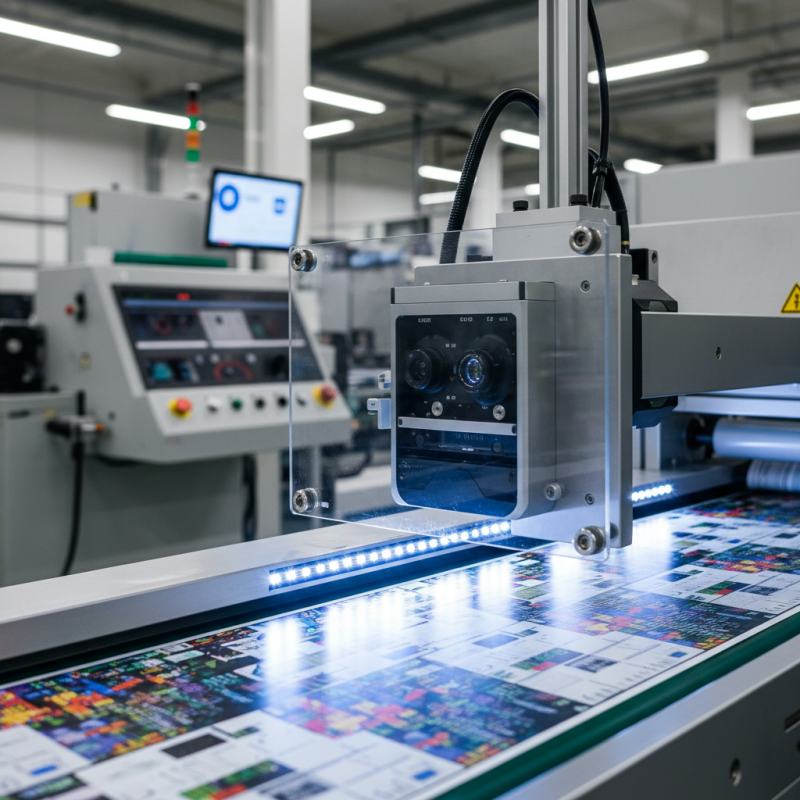
Top 5 Tips for Choosing a Print Inspection System?

Understanding Print Inspection System Requirements

When selecting a print inspection system, it’s crucial to understand your specific requirements. Different industries have unique needs that impact what features are important. Assess your production speed, the types of substrates involved, and the level of inspection detail required. Consider how these factors influence your choice of technology.

The resolution of the inspection cameras is essential. Higher resolutions provide more detail but can create data processing challenges. Ensure your system can handle the volume of data without slowing down production. Also, think about user interface complexity. A system that is easy to understand can reduce training time and errors.

Flexibility in the inspection criteria is another important factor. Your needs may change over time, so a system that adapts is vital. However, not all systems offer this adaptability. Always evaluate how the software integrates with existing equipment. Compatibility can enhance workflow efficiency, but finding the right fit can be challenging. This reflection on your unique needs can guide a more informed decision.

Top 5 Tips for Choosing a Print Inspection System

Tip Description Considerations
1. Define Your Requirements Identify specific features you need, such as color detection or barcode verification. Consider the types of print jobs and industry standards.
2. Evaluate System Compatibility Ensure the inspection system works seamlessly with existing equipment. Check for integration capabilities with your software and hardware.
3. Check for Customization Options Look for systems that can be tailored to meet specific operational needs. Assess the ease of adjustments for different print jobs.
4. Consider User-Friendliness Choose systems that are intuitive and easy for operators to use. Evaluate training requirements for staff.
5. Analyze Cost of Ownership Look beyond initial purchase prices; factor in maintenance and support. Compare long-term costs associated with various options.

Evaluating Different Types of Print Inspection Technologies

When evaluating different types of print inspection technologies, it’s essential to consider several key factors. The accuracy of detection plays a critical role. A recent report noted that systems with high-resolution cameras can identify defects as small as 0.5 mm. This capability not only enhances quality control but also improves operational efficiency by reducing waste.


Moreover, understanding the technology's adaptability is vital. Systems should be able to integrate seamlessly with existing production workflows. According to industry analysts, around 70% of companies face challenges when implementing new inspection systems. A flexible solution can help mitigate these issues and promote smoother transitions.


Training and support cannot be overlooked either. Many companies report that lack of proper training leads to underutilization of inspection systems. This oversight may diminish the return on investment. Employee engagement in the training process can enhance overall effectiveness. A well-informed team contributes to the technology's success in detecting print defects consistently.

Assessing Accuracy and Reliability of Inspection Systems

Choosing the right print inspection system is crucial for maintaining product quality. The accuracy and reliability of these systems directly impact production efficiency. A survey from the Packaging Automation Report indicates that 65% of quality assurance professionals prioritize precision in print inspection technologies. Thus, organizations must evaluate potential systems carefully.

When assessing an inspection system, consider the technology used. Some systems leverage advanced imaging techniques. These can dramatically enhance detection rates. For example, high-resolution cameras can identify defects that the human eye misses. Efficiency can improve as well, with systems reporting a 30% faster inspection rate. However, relying solely on technology can lead to oversights, as technical glitches may arise.

It’s essential to analyze historical data on a system’s performance. Consistent quality reports increase confidence in reliability. A study in the Journal of Manufacturing Science found that systems with a 99% accuracy rate tend to reduce waste by 20%. Yet, organizations should be mindful of variability in results over time. Regular evaluation is key to ensuring ongoing reliability. Understanding the nuances of each option will ultimately guide more informed decisions.

Considering Integration with Existing Production Processes

Integrating a print inspection system into existing production processes can be complex. It requires careful planning and execution. According to a report by Smithers Pira, a staggering 88% of printing defects go unnoticed without proper inspection technologies. This underscores the need for effective systems that can seamlessly fit into your production line.

When selecting a print inspection system, consider how it will align with your current workflow. Look for solutions that are designed for easy integration. Systems should support your existing technology and be adaptable. Proper training for your staff is crucial. Over 70% of operators reported feeling unprepared when new systems are introduced, leading to operational inefficiencies.

To ensure the best fit, evaluate the scalability of the system. A system that cannot grow with your production needs could become a bottleneck. Regular maintenance is also essential. Many companies neglect this, resulting in 30% more downtime, as outlined in industry studies. An efficient inspection system should provide real-time feedback and actionable insights, aiding in quicker decision-making and quality assurance.

Analyzing Cost-Effectiveness and Long-Term Benefits

When selecting a print inspection system, cost-effectiveness is paramount. A well-analyzed investment leads to significant long-term benefits. Consider the system's initial costs versus its long-term savings. High-quality systems might have higher upfront prices but can reduce waste. This results in better productivity over time.

Evaluate maintenance costs as well. Some systems might need frequent repairs which add to expenses. Think about the efficiency. A more precise inspection process catches errors early. This can prevent costly reprints and damage to brand reputation. Risk occurs when choosing a cheaper option without thorough research.

Training staff on new systems is also necessary. How much training do they need? Consider the learning curve involved. A complicated system can lead to human errors, negating its intended benefits. Assessing all these factors ensures the print inspection system fits your business goals and needs. Aim for a balance between cost and performance.

Top 5 Considerations for Choosing a Print Inspection System

The following chart illustrates the cost-effectiveness and long-term benefits associated with different features of print inspection systems. Each feature contributes to the overall efficiency and profitability in a printing operation, as depicted below.